
Case study
Factory and office ERP
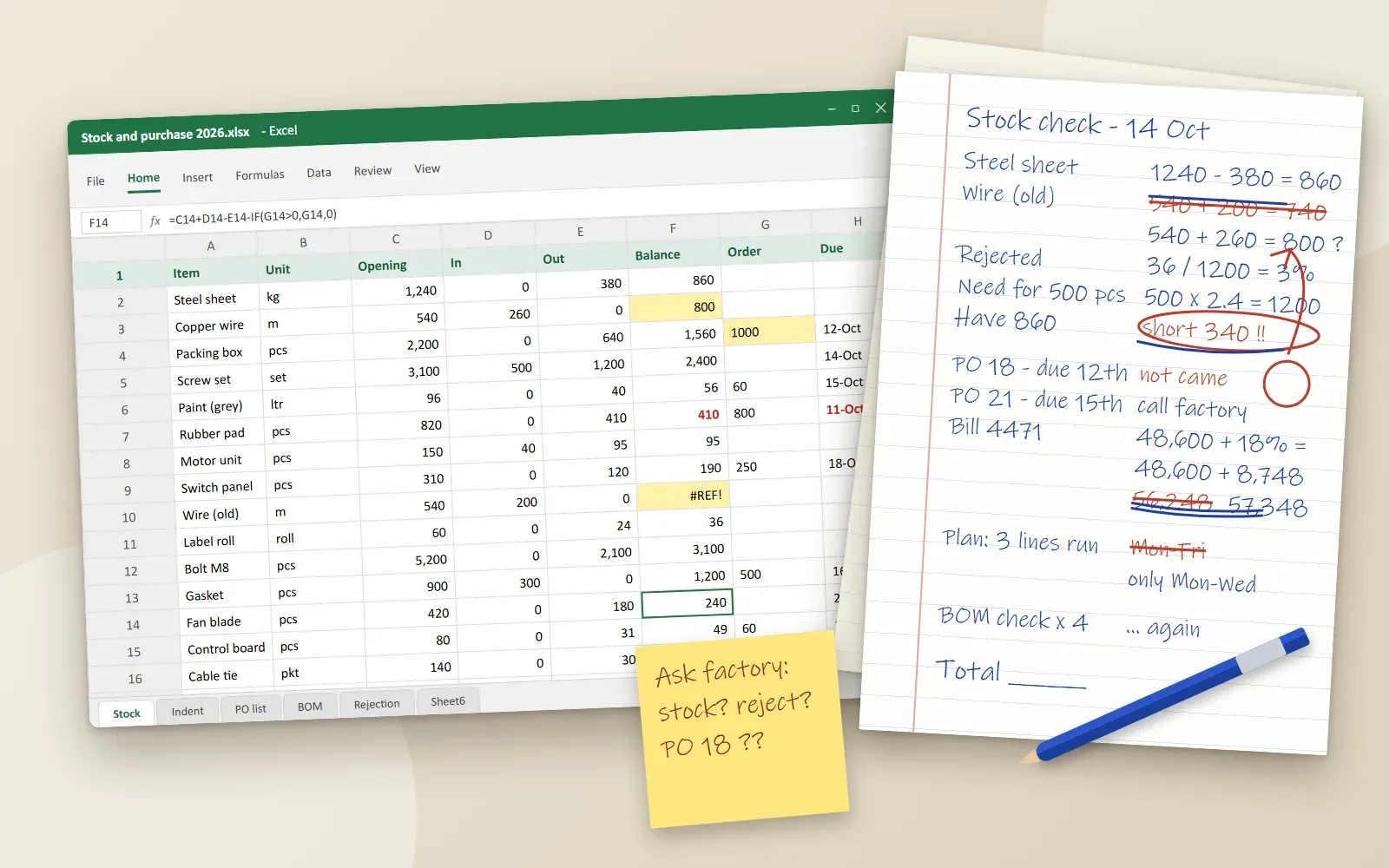
Office and factory in two cities, run on paper and Excel. Stock, orders and deliveries were checked by phone each day.
In short
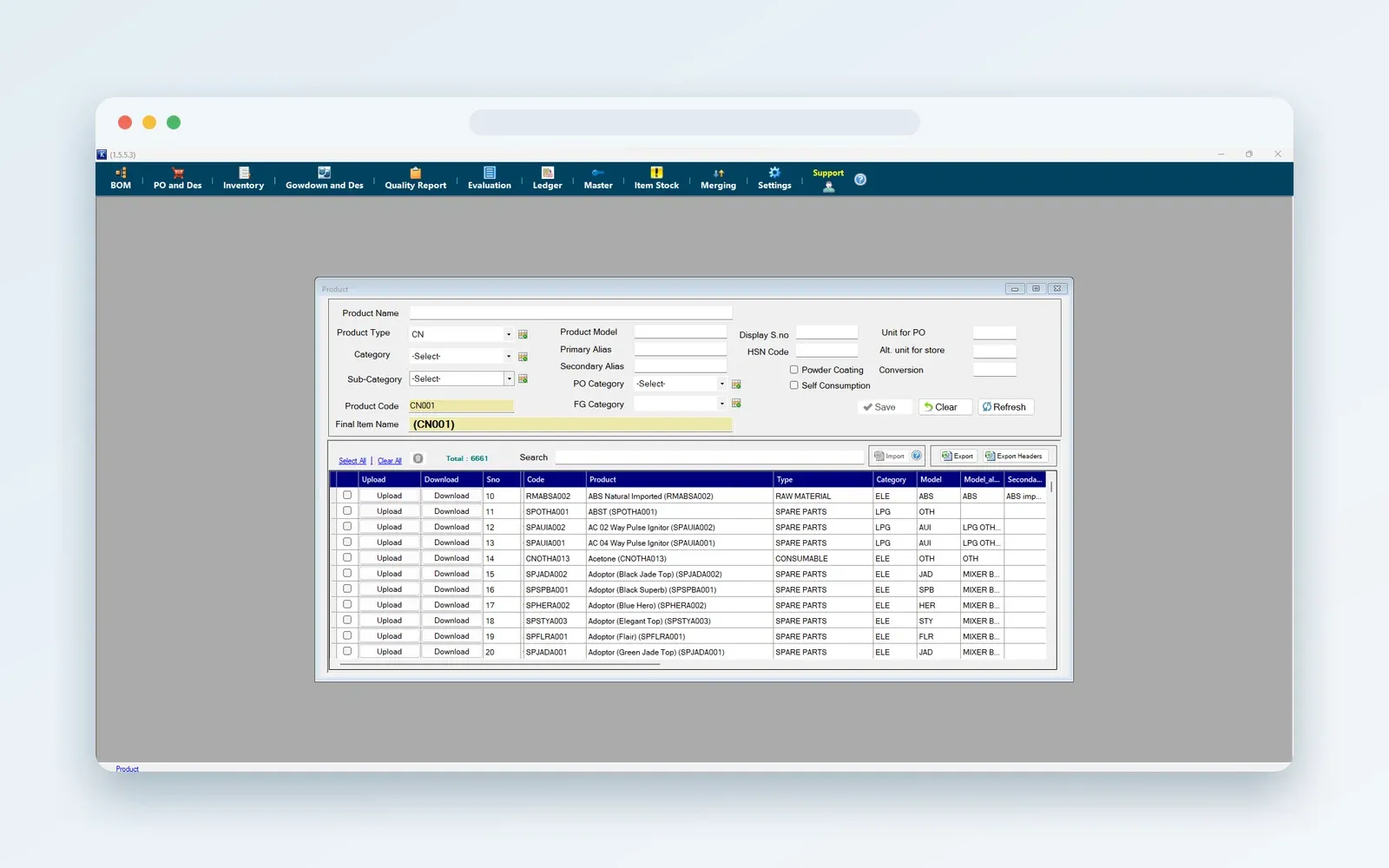
A manufacturer kept accounts in one city and ran the factory in another, on paper and Excel. We built a Windows ERP for stock, purchase, production and bills, with a server database. The factory can keep working when the internet drops, and its data syncs once the internet is back.
At a glance
Project summary
- Client
- A manufacturer with its office in one city and its factory in another
- Industry
- Manufacturing
- Services
- ERP solutions
- Technology
The problem
Where the client started
The office and the factory were in different cities. Every day the office asked the factory about stock, production, rejections, indents and raw material deliveries. Bills, indents, purchase orders and bills of material were kept on paper or in Excel, and the manager worked with large stacks of paper and many formulas. Mistakes were easy to make: gaps in stock, too much raw material ordered, missed deliveries and production plans that did not hold. The internet at the factory also went up and down, so any system had to cope with that.
Our approach
How we did the work
We built a Windows ERP that works with a server database. At the factory, work can continue when the internet is down. The data syncs to the server as soon as the internet is available again, so the office and the factory see the same records.
What we built
The main features
- Master data for items, suppliers and customers
- Indents and purchase orders
- Bill of materials
- Stock and raw material deliveries
- Production, assembly and rejections
- Bills and accounts
- Reports for the manager
- Data sync from the factory to the server when the internet is available
The result
Where the client ended up
- The manager works from one system instead of papers and spreadsheets.
- Stock, rejection and delivery details are found in the ERP, in one place.
- The factory can keep working when the internet drops, and its data reaches the server once the internet returns.
Let's talk
Start a similar project.
Tell us about your project. We help you find a sensible first step.
We usually reply the same business day